Snowflake vs BigQuery vs Redshift vs Databricks: Choosing the Right Cloud Data Warehouse in 2026
Snowflake, BigQuery, Redshift, or Databricks? A 2026 comparison of pricing, scaling, and AI features, plus the migration mistakes that cost most.

Pick the wrong cloud data warehouse and you find out twelve months later, when the bill has doubled and the dashboards are still slow. By then your pipelines, reports, and team habits are built around that choice, and moving is a project of its own.
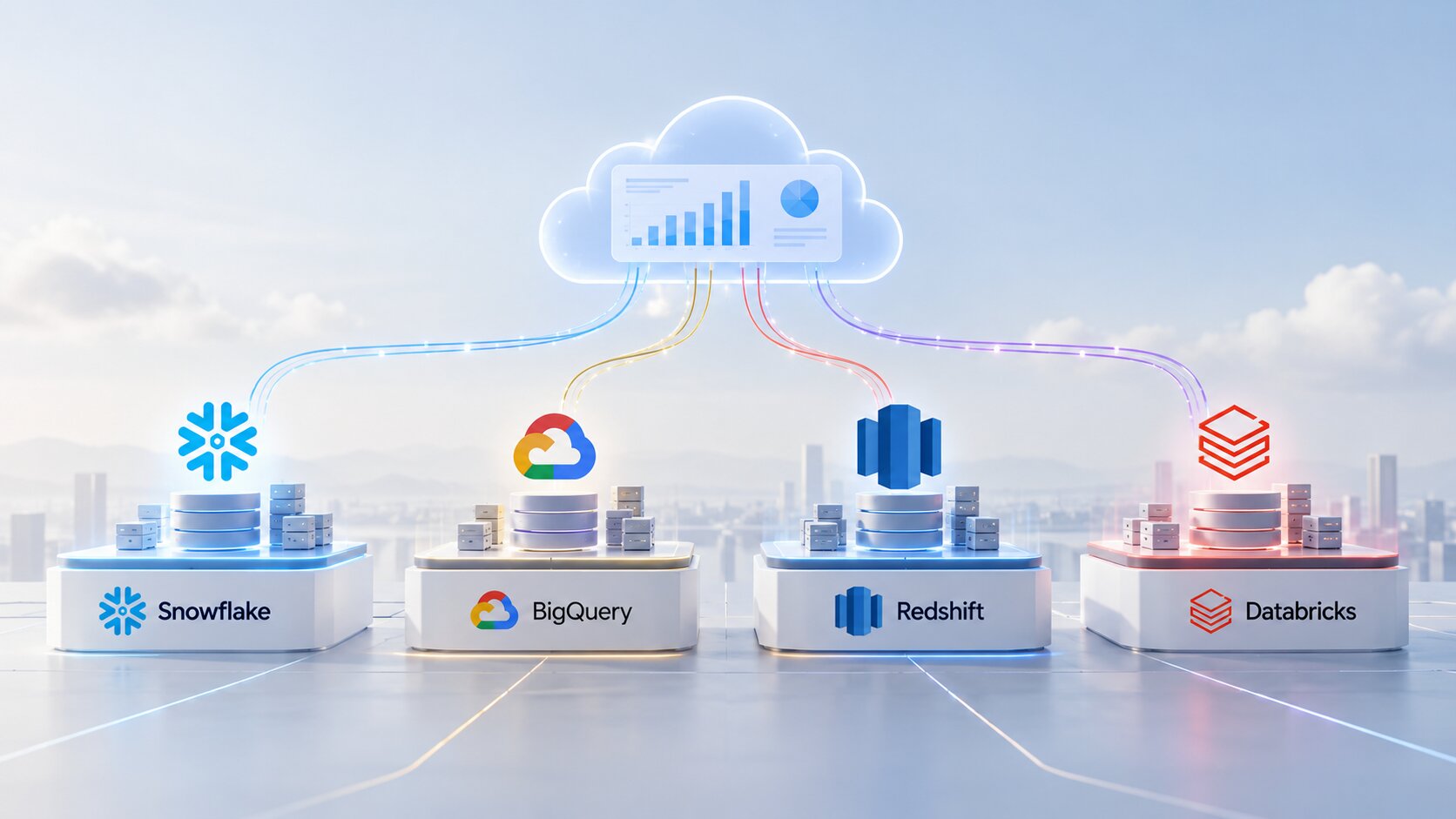
Snowflake, BigQuery, Redshift, and Databricks can all run a modern analytics stack. They differ in how they charge, how they scale, and which kind of team they suit. That is why good cloud data warehouse consulting starts with your workloads and your people, not with a vendor demo.
This guide compares the four platforms as they stand in late 2026, shows which one fits which kind of business, and covers the migration mistakes that cost the most.
Key Takeaways
- All four platforms are fast enough for most businesses. The real differences are the pricing model, the ecosystem, and how much tuning your team has to do.
- Snowflake bills per second for warehouses you size. BigQuery bills per TiB scanned or per slot-hour. Redshift bills per RPU-hour or per node. Databricks bills in DBUs.
- BigQuery suits Google Cloud and spiky, ad-hoc analysis. Redshift suits AWS-centered stacks. Snowflake suits multi-cloud teams that want little administration. Databricks suits teams doing data engineering and ML on the same data.
- Flexera’s 2026 State of the Cloud Report estimates that 29% of cloud spend is wasted, so cost governance matters as much as the platform.
- All four now work with Apache Iceberg tables, which lowers the risk of lock-in.
- Most migration pain comes from lift-and-shift designs, untested cost assumptions, and skipped data validation.
Why the Platform Choice Matters
A data warehouse is not a tool you swap out next quarter. The choice shapes four things for years.
- Your cloud bill. In Flexera’s 2026 State of the Cloud Report, 85% of respondents named managing cloud spend as a top challenge. Estimated wasted spend rose to 29%, the first increase in five years, driven by AI workloads. Each platform’s pricing model rewards different habits.
- Your AI ceiling. Text-to-SQL, forecasting, and AI-powered dashboards are only as good as the warehouse underneath. Gartner predicts that through 2026, organizations will abandon 60% of AI projects not supported by AI-ready data.
- Your switching cost. SQL dialects, stored procedures, permissions, and BI models all need rework when you move.
- Your hiring. Each platform has its own skill set. Choose one your team, or your market, can actually staff.
Quick Comparison: Cost, Speed, Scaling, and AI Features

Here is how the four compare on the points buyers ask about first.
| Snowflake | BigQuery | Redshift | Databricks | |
|---|---|---|---|---|
| Runs on | AWS, Azure, Google Cloud | Google Cloud | AWS | AWS, Azure, Google Cloud |
| How you pay | Credits, billed per second for each warehouse | $6.25 per TiB scanned, or slot-hours from $0.04 | $0.375 per RPU-hour serverless, or per node-hour | DBUs; serverless SQL about $0.70 per DBU |
| Scaling | You choose warehouse size; multi-cluster and auto-suspend | Fully serverless; slots autoscale | Serverless scales RPUs; clusters are resized | Serverless SQL warehouses autoscale; clusters for Spark |
| Built-in AI | Cortex AI Functions in SQL | Gemini models and BigQuery ML in SQL | Redshift ML and Amazon Bedrock integration | AI functions in SQL, Genie, model training and serving |
| Best fit | Multi-cloud, low admin, data sharing | Google stack, ad-hoc and spiky queries | AWS-centered, steady workloads | Engineering and ML-heavy teams |
Prices are US list rates in October 2026. They change with region, edition, and commitment, so check each vendor’s pricing page before you budget.
However, the headline unit rate is rarely representative of total cost of ownership. Storage, data transfer between regions or clouds, serverless add-ons, and the extra compute your BI tool triggers at peak hours all sit on top. Idle time matters as well: a warehouse that stays on overnight costs the same as one doing real work. Compare total monthly cost for your workload, not price per unit.
A word on speed. Vendor benchmarks contradict each other, and each is tuned to flatter its sponsor. For typical BI and reporting, all four are fast enough. Test with your own queries and data volumes before you believe any speed claim.
Snowflake, BigQuery, Redshift, and Databricks: Pros and Cons
Snowflake
Snowflake separates storage from compute. You run queries on virtual warehouses in T-shirt sizes, and compute is billed per second with a 60-second minimum each time a warehouse starts. On-demand credits list at about $2 on the Standard edition in US regions, and more on higher editions.
New warehouses now default to Gen2 where it is available. Snowflake says most queries finish faster on Gen2, but it also uses more credits per hour (1.35 against 1 for the smallest size on AWS), so test before you assume savings. For AI, Cortex AI Functions let you classify, summarize, and extract from text in plain SQL.
- Pros: Runs on all three major clouds. Needs very little tuning. Strong data sharing. Separate warehouses keep one team’s workload from slowing another’s.
- Cons: Easy to overspend through oversized or always-on warehouses. Add-on features bill separately. Less natural than Databricks for heavy data science.
Google BigQuery
BigQuery is fully serverless. There are no clusters to size. On demand, you pay $6.25 per TiB scanned, and the first 1 TiB each month is free. For steadier workloads you can buy capacity by the slot-hour, from $0.04 on the Standard edition. You can also call Gemini models from SQL with functions such as AI.GENERATE, and train models with BigQuery ML.
- Pros: Nothing to manage. Ideal for spiky and ad-hoc analysis. Native links to GA4, Google Ads, and Looker. The free tier suits small teams.
- Cons: On-demand costs are hard to predict, and one careless query on a large table gets expensive. It runs on Google Cloud only. You need partitioning discipline and query quotas to stay in control.
Amazon Redshift
Redshift comes in two modes. Redshift Serverless costs $0.375 per RPU-hour in US East, billed per second with a 60-second minimum, and base capacity starts at 4 RPUs. Provisioned clusters charge per node-hour and suit steady workloads.
In May 2026, AWS launched Graviton-based RG instances. AWS says they run warehouse and data lake workloads up to 2.4x as fast as RA3 nodes at a 30% lower price per vCPU. Zero-ETL integrations also copy data in from Aurora, RDS, DynamoDB, and apps like Salesforce without you building a pipeline.
- Pros: The deepest AWS integration, from S3 and IAM to SageMaker and Bedrock. Predictable costs for steady workloads, with reservations of up to 45% off on a three-year term. Zero-ETL from AWS databases.
- Cons: AWS only. Provisioned clusters need more hands-on tuning than Snowflake or BigQuery. Mixed workloads take more planning.
Databricks
Databricks is a lakehouse. Your data stays in open formats in your own cloud storage, Unity Catalog governs it, and SQL warehouses sit alongside Spark for engineering and machine learning. You pay in DBUs. Serverless SQL lists at about $0.70 per DBU in the US with compute included. On classic compute you pay your cloud provider for the machines as well.
- Pros: One platform for pipelines, streaming, ML, and BI. Open formats reduce lock-in. The strongest choice for data science teams.
- Cons: A steeper learning curve and more settings to get right. Costs are harder to predict when DBUs and cloud bills arrive separately. More than you need if you only want dashboards.
Which One Fits Which Business?
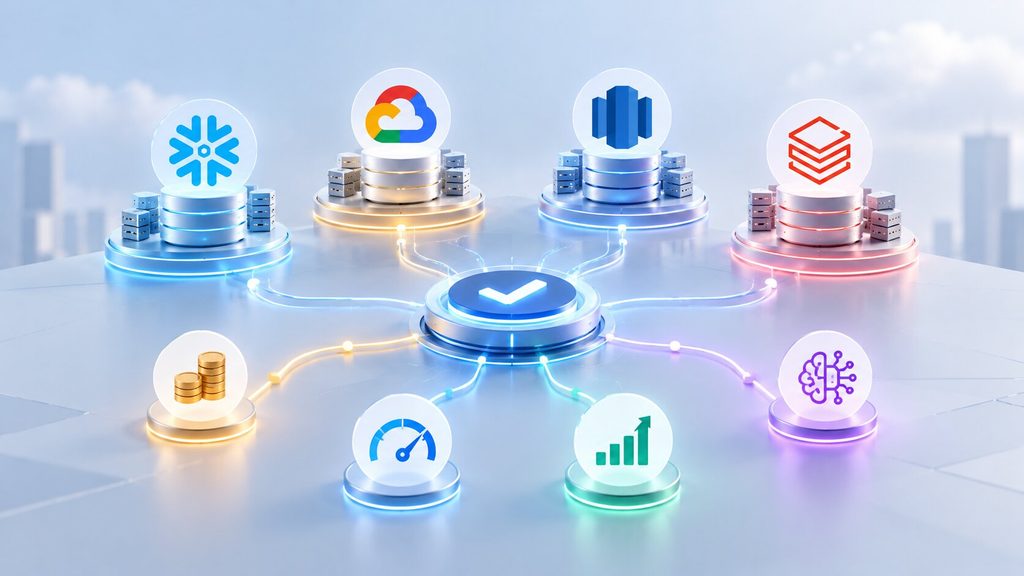
Treat this matrix as an initial architectural shortlist rather than a definitive prescription.
| If this sounds like you | Evaluate first | Why |
|---|---|---|
| You run on Google Cloud, or your marketing data lives in GA4 and Google Ads | BigQuery | Native connectors, serverless, pay per query |
| You run on AWS with steady reporting workloads | Redshift | Zero-ETL from AWS databases and reservation discounts |
| You are multi-cloud or want the least administration | Snowflake | The same experience on every cloud, with little tuning |
| Your data team builds pipelines and ML models on the same data | Databricks | One lakehouse for engineering, ML, and SQL |
| You are a small team with modest data | BigQuery on demand or a small Snowflake warehouse | Low fixed cost and room to grow |
| You share data with partners or customers | Snowflake | Mature, governed data sharing |
How to Run a Fair Proof of Concept
A shortlist only becomes a decision once you test it. Keep the test small and honest:
- Pick 15 to 20 real queries, including your slowest report and your most frequent one.
- Load a realistic slice of data, not a sample so small that everything looks fast.
- Simulate a busy Monday morning, with the number of people and dashboards you expect at peak.
- Run it for at least two weeks, then compare the full bill and the effort your team spent tuning.
Lock-in is also lower than it used to be. All four platforms work with Apache Iceberg, the open table format, so your data can sit in your own storage and be queried by more than one engine. Many larger companies run two platforms on purpose, for example Databricks for engineering and Snowflake or BigQuery for BI.
In our experience, the platform matters less than the design around it. In our sports analytics case study, automated data ingestion cut reporting latency by 65%. In our supply chain AI orchestration case study, predictive analytics helped reduce operational costs by 60%. Both results came from modeling the data around the questions the business asks.
Migration Tips and Common Mistakes
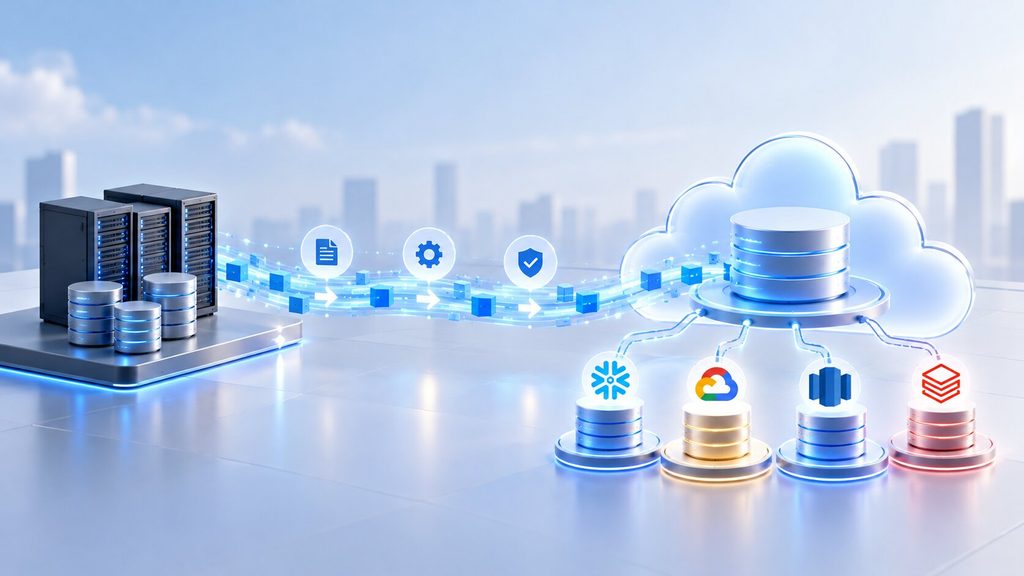
Enterprise cloud migrations routinely fail due to a predictable set of recurring architectural pitfalls:
- Lifting and shifting the old design. Copying an on-premise schema and nightly batch jobs into the cloud carries the old problems over at cloud prices. Redesign the model for the new platform.
- Skipping the cost model. Run a proof of concept with real queries for a few weeks. Set budgets, alerts, and quotas on day one, not after the first surprise invoice.
- Converting SQL by hand. Vendor tools such as SnowConvert AI and the BigQuery Migration Service automate assessment and code translation. Review the output, but don’t start from a blank page.
- Skipping data validation. Run the old and new systems side by side. Reconcile row counts, totals, and your key reports before you switch anyone over.
- Cutting over in one go. Migrate one business domain at a time, starting with one that is valuable but low risk.
- Forgetting the BI layer. Dashboards, semantic models, and permissions have to move too. Plan your BI platform migration alongside the warehouse, especially if you are adding AI features in Power BI.
- Leaving governance for later. Set up roles, masking for personal data, and lineage from the start. Retrofitting them is slow and risky.
A structured data migration plan, backed by solid data engineering, takes most of the risk out of the move.
How Cloud Data Warehouse Consulting Helps
Experienced data warehouse consultants do not arrive with a favorite vendor. They arrive with a method:
- Workload assessment. Profile your queries, data volumes, concurrency, and growth.
- Shortlist and proof of concept. Test two platforms on your own data, and compare cost and performance with real numbers.
- Architecture and data modeling. Design the layers, the model, and the access rules before anything is built.
- Pipeline build. Set up reliable ETL and ELT pipelines with data quality checks.
- Cost governance. Budgets, monitoring, and right-sizing, so the bill tracks usage.
- Migration and handover. Validate the data, cut over in phases, and train your team to run it.
Data warehouse experts earn their fee in three situations: nobody in-house has run a migration before, your bill is growing faster than your usage, or you are planning AI projects on top of the warehouse.
Our Take at VectovateAI
Our data warehouse consulting services are platform-neutral. We work across Snowflake, BigQuery, Redshift, and Databricks, start with a discovery and data landscape assessment, and keep senior architects on the project from design to handover. If the wider move to the cloud needs planning too, the same team delivers cloud data warehouse consulting services as part of a full cloud migration.
Final Thoughts
There is no best cloud data warehouse in 2026. There is the one that fits your cloud, your workloads, and your team. BigQuery, Redshift, Snowflake, and Databricks are all capable. What separates a good outcome from an expensive one is how well the platform matches the way you work, and how carefully you migrate.
Shortlist two, test them with your own data, model the costs honestly, and move in phases. That discipline is what cloud data warehouse consulting is really for.
Choosing or replacing a data warehouse this year? Book a Free Data Architecture Review with VectovateAI
Frequently Asked Questions.
Get all your answers here and if something remains ask our AI concierge or Book a call with our consultant.