How AI Is Transforming Business Intelligence with Power BI?
Power BI Copilot writes your DAX, builds your visuals, and narrates your reports from a plain-English prompt, but only if the licensing, tenant settings, and semantic model are ready for it. Here is what the 2026 updates actually changed, how the core AI visuals work, and why an AI-ready data foundation matters more than the Copilot toggle itself.

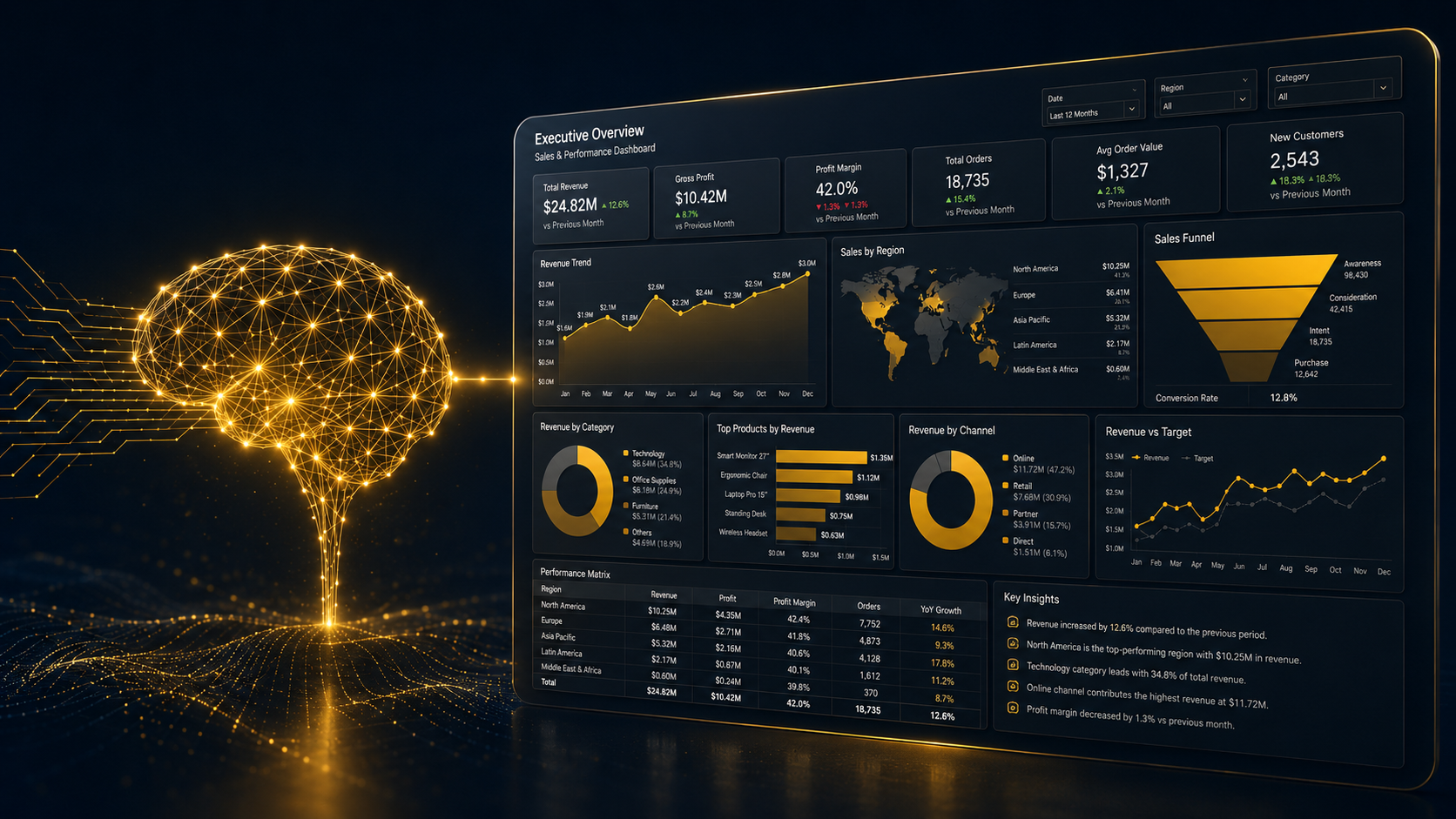
Data used to sit in dashboards, waiting for someone to notice a trend. That’s changing fast. AI for business intelligence has moved from a “nice to have” add-on to the core engine behind how teams make decisions in 2026. And nowhere is this shift more visible than in Power BI AI features, especially since Microsoft supercharged the platform with Power BI Copilot.
If you’re a business owner, IT decision-maker, or a student trying to understand where BI is heading, this blog breaks down exactly how AI in business intelligence works inside Power BI, what it does, what it costs, and how to use it without losing control of your data.
If your own team is still stitching together reports manually, this is also a good moment to look at how modern data visualization and dashboards can replace that entire workflow.
Key Takeaways
- Power BI Copilot uses natural language to generate DAX formulas, build visuals, and write report narratives, cutting authoring time significantly.
- AI-powered business intelligence in Power BI runs on four pillars: Copilot, built-in AI visuals, natural language Q&A, and semantic model preparation.
- Copilot requires Fabric capacity (F64 or higher) or Premium Per User licensing, plus a tenant admin toggle before anyone can use it.
- Business intelligence AI tools like Key Influencers, Decomposition Tree, and Anomaly Detection help teams find root causes without writing a single formula.
- 2026 updates pushed Copilot into mobile, web modeling, and cross-app experiences via Fabric IQ, meaning AI now lives everywhere your data does.
What Is Power BI Copilot?
Power BI Copilot is Microsoft’s AI assistant built directly into Power BI Desktop and the Power BI service. Instead of manually writing DAX queries or building charts from scratch, you type a plain English request, and Copilot handles the technical part. It runs on Azure OpenAI’s GPT architecture to interpret your prompt and translate it into report actions.
To actually use Copilot for Power BI, your organization needs a bit of setup first:
| Requirement | Detail |
|---|---|
| Licensing | Fabric capacity at F64 or higher, or Premium Per User (PPU) |
| Admin access | A Fabric administrator must enable the Copilot tenant setting |
| Workspace | Must be Fabric enabled |
| Semantic model | Should be “AI ready” with clear relationships and business-friendly field names |
This last point matters more than people realize. According to AlphaBOLD’s 2026 Power BI update analysis, Copilot’s reliability at scale depends on organizations configuring AI-ready semantic models with defined business terminology and governance rules. Skip this step, and Copilot’s answers get shaky fast. This is why Semantic Layer Consulting & Analytics Engineering has become essential—without a single, unified “source of truth” across your infrastructure, AI tools end up producing hallucinated or inconsistent metrics across different departments.
Microsoft increased the Copilot prompt limit from 500 characters to 10,000 characters across every surface, including Standalone, Report pane, Apps, Mobile, and Embed, per the official Power BI February 2026 feature summary. So you can now paste in a full business question instead of a fragment.
The Core AI Visuals Powering Power BI
Before Copilot even entered the picture, Power BI had already built a strong foundation of Power BI AI features through its native AI visuals. These are still the backbone of how teams explore data today, and Microsoft walks through them in its own Artificial Intelligence sample tour.
Key Influencers analyzes your dataset to show what’s actually driving an outcome. In Microsoft’s sample report, the tool found that a 2% increase in discount made a sales opportunity 2.76 times more likely to close as “Won.” Click any factor, and Power BI reruns the analysis live as you apply filters.
Decomposition Tree lets you break a metric down path by path. You can drill from “Category” into “Territory” into “Sales Owner,” and the AI splits automatically to suggest the next branch that leads to the highest value outcome.
Smart Narratives auto-writes a text summary of your report in plain English, updating itself as filters change, describing things like the highest and lowest performing months without anyone typing a word.
Q&A (natural language query) lets anyone type a question like “close % by month in a line chart by manager” and get a live visual back, no formula required.
What Changed in 2026?
Power BI’s AI stack evolved quickly through 2026, and the direction is clear: less clicking, more asking.
- Copilot on mobile went GA. Standalone Copilot inside the mobile app now generates AI-powered insights and visuals on the go, and iOS users can speak their queries instead of typing them.
- Copilot can now write DAX and help build models. The 2026 upgrades let Copilot write DAX queries, support model building, and expand automation, leading to faster insights and more efficient report creation, per the same Intelegain report.
- Copilot moved into web modeling. A preview feature now lets Copilot analyze a semantic model, flag inconsistent naming or unclear structure, and make schema updates like renaming tables or generating DAX measures, all through natural language, as covered in the Power BI June 2026 feature summary.
- Copilot summary shortcuts arrived. Report consumers can now access AI-generated narrative summaries instantly, without opening the full Copilot pane.
- Fabric IQ connected Power BI to everyday tools. Business users can now ask data questions directly inside Cowork or Microsoft 365 Copilot Chat, with answers grounded in trusted Power BI models, as explained in the June 2026 feature summary.
This is the bigger pattern behind AI-powered business intelligence in 2026.
Traditional BI vs. AI Powered BI
| Traditional BI | AI Powered BI (Power BI + Copilot) |
|---|---|
| Analysts manually build every chart and DAX measure | Copilot generates visuals and formulas from a text prompt |
| Root cause analysis takes hours of manual filtering | Decomposition Tree and Key Influencers surface causes in minutes |
| Anomalies get caught only if someone is watching | Anomaly Detection flags and explains outliers automatically |
| Executive summaries written manually every cycle | Smart Narratives update summaries in real time |
| Insights available only on desktop | Copilot now works across desktop, mobile, and chat apps |
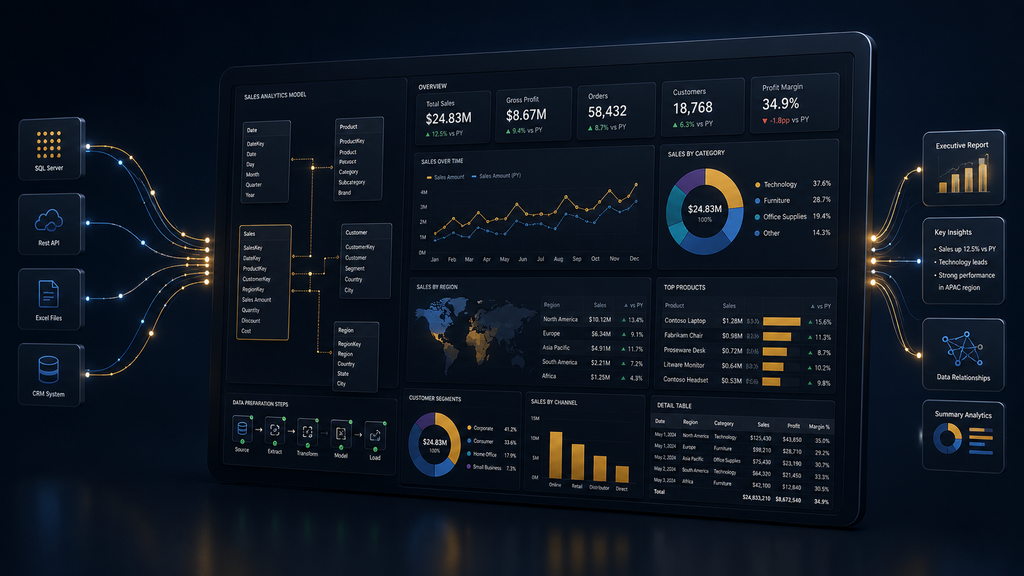
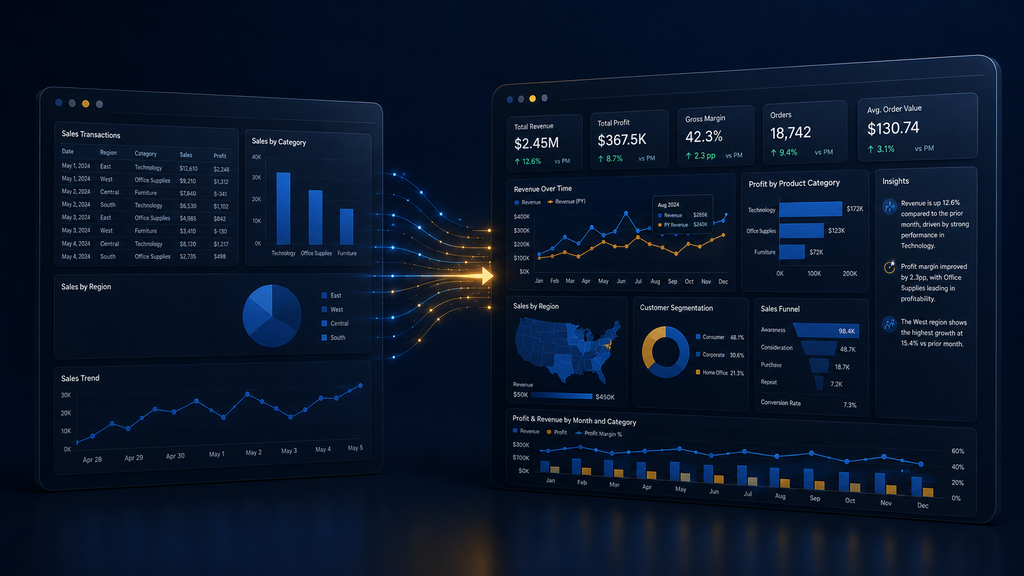
If your team is still on the left side of this table, moving over usually starts with a proper BI platform migration rather than bolting Copilot onto a messy existing setup. Modernizing your analytics requires BI Modernization Services to seamlessly migrate slow, legacy enterprise reports into lightning-fast cloud environments, combined with End-to-End Dashboard Automation to completely eliminate manual Excel exports and data cleaning before AI ever touches the data.
Where This Actually Helps Your Business?
AI-powered business intelligence isn’t just a technical upgrade, it changes who can use data at all.
- Faster decisions: Report creators using Copilot for DAX authoring have saved an average of 2 to 3 hours per week in enterprise deployments, according to this Power BI Copilot complete guide.
- Lower skill barrier: Non-technical staff can ask questions in plain English instead of learning DAX or Power Query.
- Proactive alerts, not reactive digging: Anomaly Detection surfaces problems before they show up in a quarterly review.
- Consistent reporting: Auto-generated narratives remove the variation you get when five different analysts write five different summaries of the same numbers.
- Governance built in: Since Copilot works off your semantic model, well-governed data means well-governed AI answers, not a shadow spreadsheet floating around. This is where solid data engineering services pay off long before Copilot ever gets involved.
These gains look different depending on the industry. Finance teams use it for risk and fraud pattern detection, as we’ve seen in our own work with finance and insurance clients, while retail teams lean on it for demand forecasting, a pattern that shows up across our retail and eCommerce engagements too.
The Human-in-the-Loop Reality
Here’s what most vendor content skips. Power BI Copilot doesn’t replace your analysts, it changes what they spend time on. Copilot writes the first draft of a DAX measure or a summary, a human still validates it against business context Copilot doesn’t have. Organizations that skip building AI-ready semantic models with proper governance are accumulating technical debt that limits how reliable Copilot’s answers stay at scale.
The teams getting real value out of business intelligence AI tools treat AI as a fast first pass, not a final answer. This is also the exact philosophy behind our own AI strategy and consulting work.
How to Get Started: The 3-Phase Roadmap
- Data Governance & Cleanup: Standardize data schemas and clean up legacy data models across your enterprise.
- Capacity & Licensing Alignment: Audit your current Power BI footprint to determine if Fabric (F64+) or Premium Per User fits your scale.
- Human-in-the-Loop Implementation: Deploy Copilot alongside custom validation workflows so business users get fast insights with zero loss of accuracy.
Need to Build an AI-Ready Data Foundation?
Deploying Power BI Copilot safely across an enterprise requires more than just flipping a switch. We engineer the entire data lifecycle to turn fragmented corporate data into predictive market leadership:
- AI-Enabled Power BI Consulting: We supercharge your existing dashboards with advanced predictive models, forecasting layers, and automated anomaly detection.
- MCP-Enabled Analytics Architecture: Our team constructs highly secure, compliant, and production-grade data foundations that satisfy enterprise-level IT governance.
- AI-Assisted Reporting Systems: We implement cognitive natural language features (NLP) and smart text summaries, allowing executives to literally text or talk to their data for instant answers.
Final Word
How AI is transforming business intelligence comes down to one shift: data is no longer something you have to go looking for. With Copilot in Power BI, Key Influencers, Decomposition Trees, and Smart Narratives, your data comes looking for you, flagging what changed, explaining why, and doing it in the language you already use at work. The businesses that win here won’t be the ones with the most dashboards. They’ll be the ones who paired Power BI AI with well-structured data and a team that still knows how to ask the right question.
Frequently Asked Questions.
Get all your answers here and if something remains ask our AI concierge or Book a call with our consultant.